
Download Chedot – Free Chromium‑Based Browser with Built‑in VPN, Media Downloader & Screenshot Tool
Overview
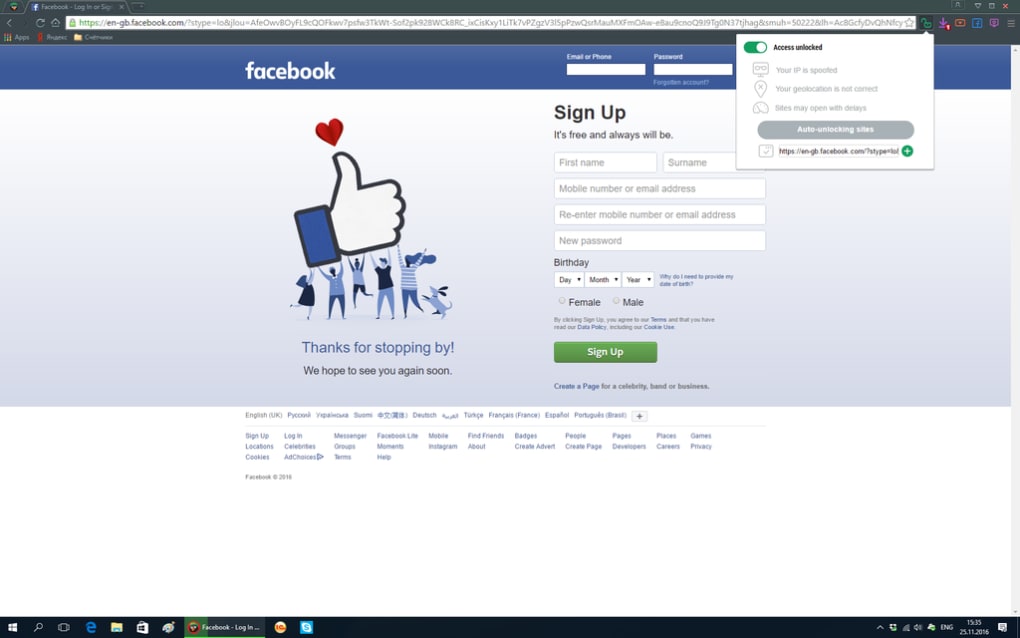
Chedot is a free, Chromium‑based web browser that aims to go beyond ordinary page rendering. While it shares the same rendering engine as Google Chrome, Chedot adds a bundle of specialized tools that you rarely find in mainstream browsers. The most eye‑catching element is its quirky Che Guevara‑inspired bird icon, but the real value lies in five built‑in utilities: a VPN service for bypassing geo‑restrictions, a one‑click Facebook shortcut, a Media Downloader that pulls videos from YouTube and tracks from SoundCloud, a dedicated Download Manager, and a screen capture tool equipped with basic annotation features.
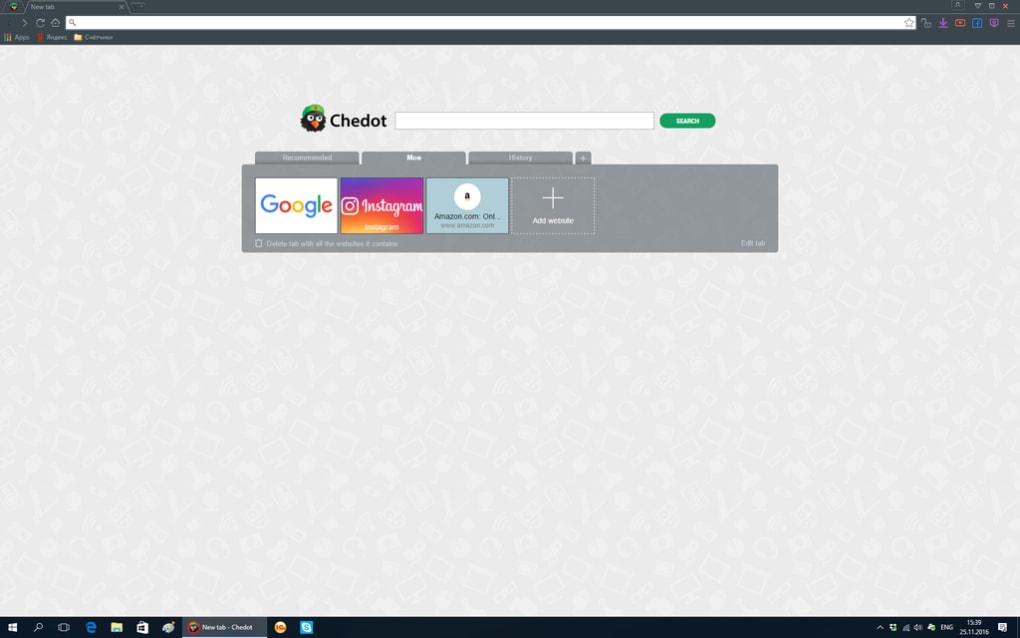
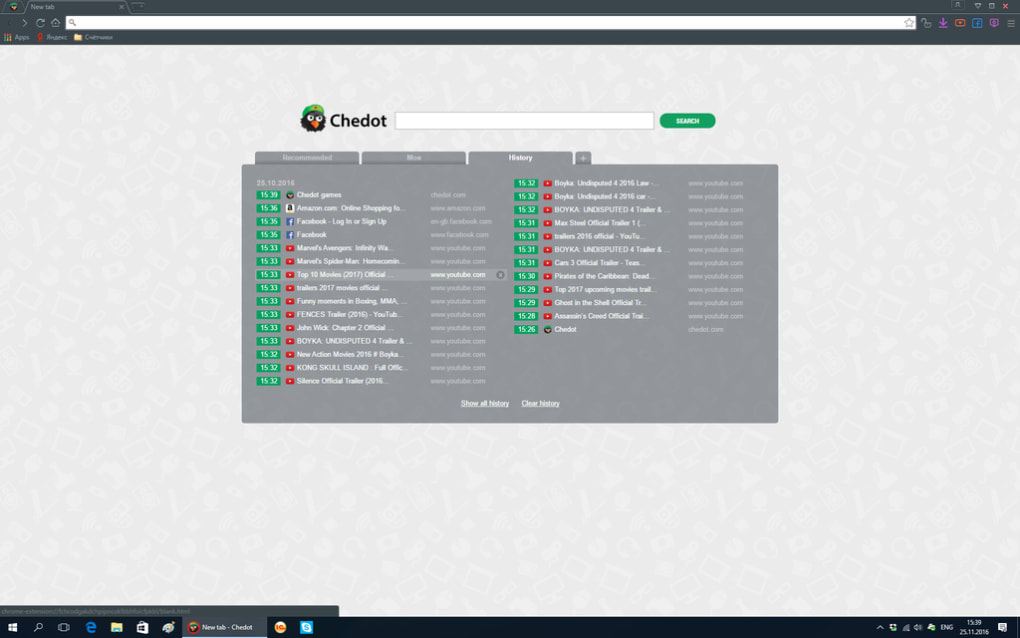
These utilities are integrated directly into the browser UI, so you never need to install extra extensions or switch to separate apps. However, the experience is not flawless. The first tab is permanently pinned, and a custom intro screen full of ads appears whenever you open a new tab, with no built‑in option to disable it.
Despite these quirks, Chedot provides a solid alternative for users who want a multi‑tool browser without paying for premium extensions. Its free nature, combined with the Chromium foundation, ensures fast page loads, modern web standards support, and regular security updates inherited from the upstream project.
Key Features
- Integrated VPN: Encrypts traffic, masks your IP address, and lets you reach websites that are otherwise blocked in your region.
- Facebook Quick Access: A dedicated toolbar button that opens your Facebook feed, notifications, and messenger with a single click.
- Media Downloader: Download YouTube videos as MP4 or MP4A and capture audio from SoundCloud without leaving the browser.
- Download Manager: Centralized view of all ongoing and completed downloads, with pause, resume, and file‑type filtering options.
- Screen Capture & Annotation: Capture full‑screen, window, or custom area screenshots and add simple text, arrows, or highlights before saving or sharing.
- Chromium Core: Full compatibility with Chrome extensions, modern HTML5, CSS3, and JavaScript features.
- Ad‑Supported Free Model: No subscription fees; the browser is supported by non‑intrusive ads on the new‑tab intro page.
Installation & Compatibility
Getting Chedot up and running is straightforward. Visit the official Chedot website, click the “Download for Windows” button, and the installer (a small .exe file) will begin downloading. Run the file, accept the license agreement, and follow the on‑screen prompts – the process typically takes under two minutes on a standard PC. For macOS users, a .dmg package is available; drag the Chedot icon into the Applications folder, and you’re ready to launch. Mobile versions exist for Android (APK) and iOS (App Store), though the feature set is slightly trimmed to suit mobile constraints (the VPN and Media Downloader remain functional, while the full Download Manager is simplified).
Compatibility details:
- Windows 7, 8, 10, 11 (64‑bit)
- macOS 10.13 (High Sierra) and later
- Android 6.0 and newer
- iOS 12 and newer
Because Chedot relies on the Chromium engine, it inherits regular security patches and performance improvements automatically. The browser checks for updates each time it starts, and a silent background download will install the latest version without requiring user interaction. This “free‑and‑secure” model ensures that users benefit from the most recent security fixes while retaining the familiar Chromium browsing experience.
Pros and Cons
Pros
- All‑in‑one toolset eliminates the need for third‑party extensions.
- Built‑in VPN provides privacy and access to geo‑restricted content.
- Media Downloader supports both video and audio extraction from popular platforms.
- Screen capture with annotation is handy for quick documentation.
- Free to use, with regular Chromium security updates.
Cons
- First tab is locked and cannot be closed, which may irritate power users.
- New‑tab intro page displays ads and cannot be disabled.
- Some advanced settings are buried deep, making customization less intuitive.
- Mobile version lacks the full Download Manager UI.
- Performance can dip when multiple heavy media downloads run simultaneously.
Frequently Asked Questions
Is Chedot safe to use for everyday browsing?
Yes. Because Chedot is built on Chromium, it inherits the same security model as Google Chrome. The browser receives automatic security patches, and the integrated VPN adds an extra layer of privacy. However, users should remain cautious with the built‑in ad‑supported new‑tab page.
Can I disable the VPN or the media downloader?
Both features can be toggled from the Settings menu. The VPN can be turned on or off at any time, and the Media Downloader can be disabled if you prefer to use a separate tool.
Does Chedot support Chrome extensions?
Yes. Since it uses the Chromium engine, you can install most Chrome extensions from the Chrome Web Store directly within Chedot.
Is there a limit to how many files I can download with the Media Downloader?
There is no hard‑coded limit, but the browser may throttle downloads if you exceed several simultaneous streams, to preserve system resources.
How do I report a bug or request a new feature?
You can submit feedback through the built‑in “Help & Feedback” section, which forwards your report to the development team via their official GitHub repository.
Conclusion & Call to Action
Overall, Chedot delivers a compelling mix of privacy, media handling, and productivity tools that set it apart from generic Chromium browsers. Its free pricing model and regular security updates make it an attractive option for users who want more than just a tab‑renderer. While the locked first tab and ad‑filled new‑tab screen may be a turn‑off for some, the built‑in VPN, downloader, and screenshot utilities provide enough added value to justify a trial. If you’re searching for a versatile, all‑in‑one browser that doesn’t require a subscription, give Chedot a download today and experience the extra features firsthand.
Ready to boost your browsing? Click the download button below, install Chedot, and start exploring the web with a built‑in VPN, media downloader, and powerful screenshot tool—all at no cost.







